React Router v6 Explained with a Real-World Example
React Router is the standard routing solution for React applications. It allows developers to build single-page applications where navigation happens without full page reloads.
What Is Client-Side Routing?
Client-side routing means the browser does not request a new HTML page from the server on every navigation. Instead, React Router updates the URL and renders the relevant component dynamically.
Why React Router v6?
- Simpler and cleaner API
- Better performance
- Improved nested routing
- Hooks-based navigation
Installing React Router
You can install React Router using npm:
npm install react-router-dom
Basic Routing Example
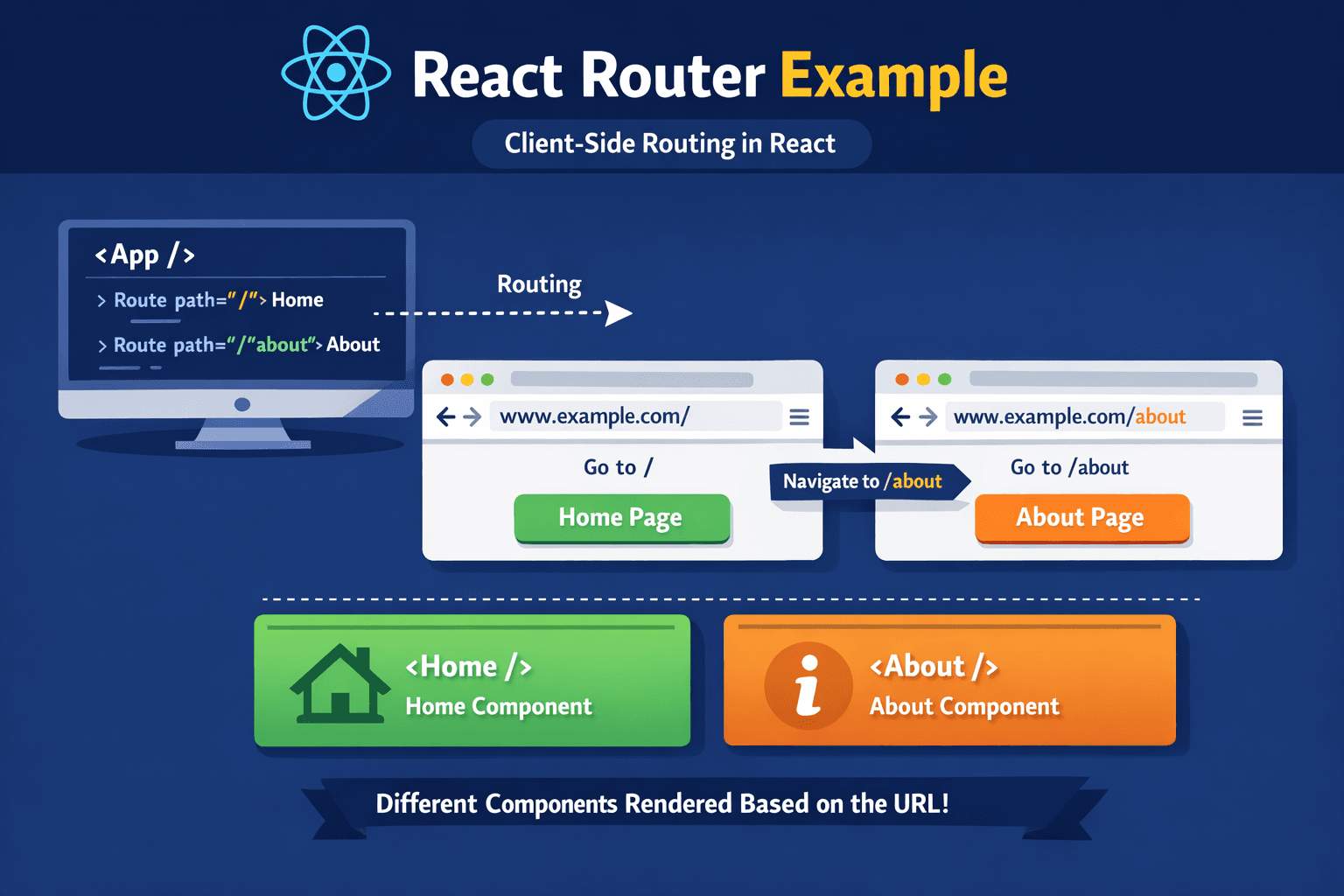
This example demonstrates routing between Home and About pages.
import { BrowserRouter, Routes, Route, Link } from 'react-router-dom';
import Home from './Home';
import About from './About';

function App() {
  return (
    Home | About
} />} />
  );
}

export default App;
How Routing Works Internally
When a user clicks a Link, React Router intercepts the event, updates the browser history, and renders the matching component without refreshing the page.
Best Practices
- Keep routes centralized
- Use lazy loading for large apps
- Use meaningful route names
Conclusion
React Router v6 makes navigation simple, fast, and scalable. Mastering routing is essential for building modern React applications.